Scaling
On Zenifra, scaling happens through manual instance adjustment, HTTP autoscaling, and plan changes.
Horizontal Scaling
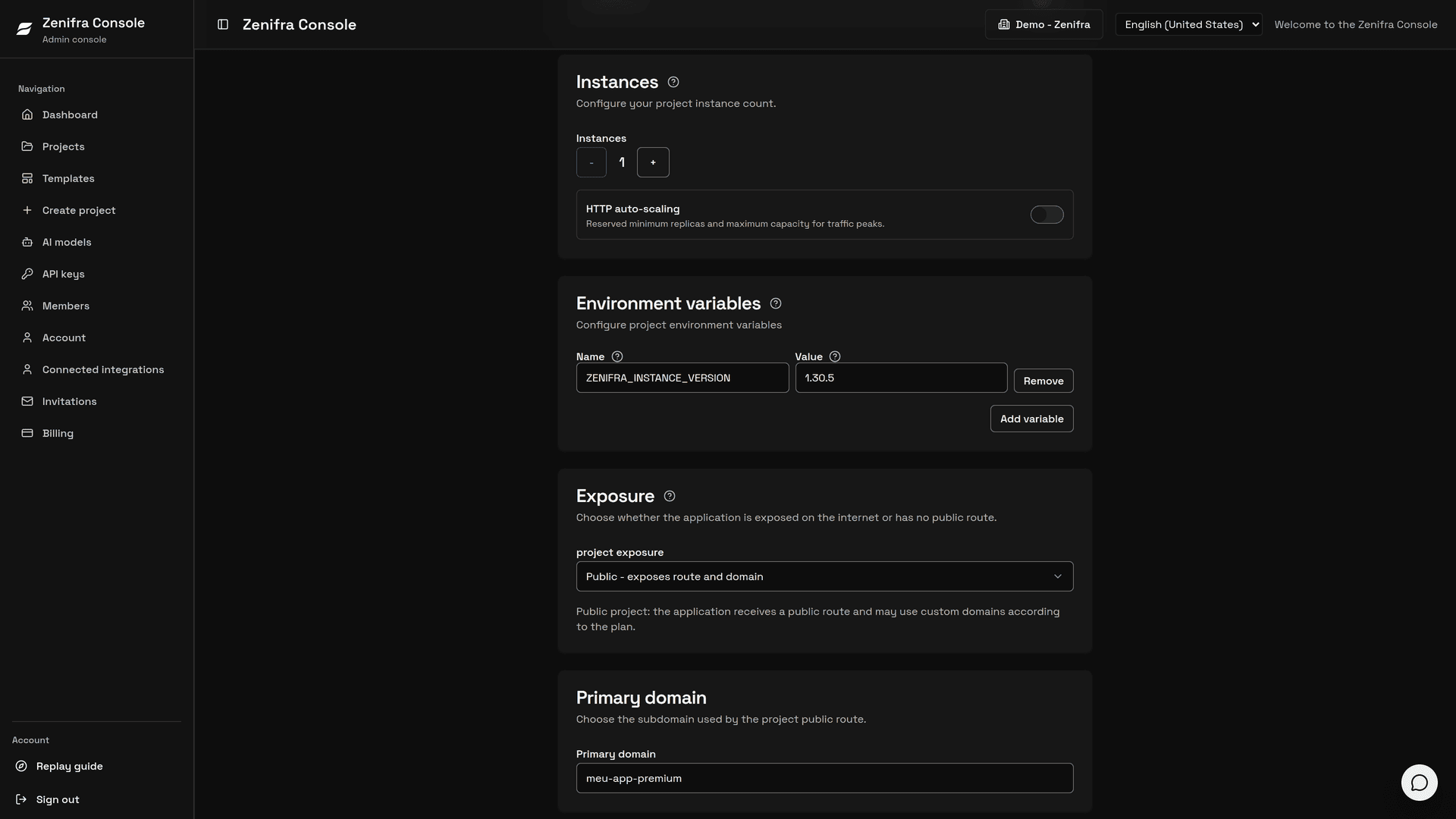
You can increase the number of project instances to distribute load and improve redundancy.
- the adjustment is done manually in the console (Instances section of Edit project) or with the CLI (
zenifra project instances set) - instances cannot be changed while the project is paused
- multiple HTTP instances receive load balancing from the platform
- increases depend on the plan's available capacity; when there is no capacity, the change is rejected and the current number of instances is kept
- on the Free plan, an organization can run at most 2 instances in total
HTTP Autoscaling
On every paid HTTP plan (the Free plan has no autoscaling), you can define in the HTTP auto-scaling section of Edit project:
- reserved minimum instances
- maximum instances allowed during spikes
- CPU and memory targets for automatic scaling
While autoscaling is enabled, manual instance changes are blocked to avoid conflicts between the fixed value and automatic scaling.
For hourly billing, Zenifra charges observed instances during the period. For monthly or yearly plans, the reserved minimum is part of the contract and instances above the minimum are billed as elastic instance-hours.
Each scale up or scale down is available in the Auto-scaling history on the project page and in the API for about 13 months, including timestamp, previous and new instance counts, CPU/memory thresholds, and reason.
Vertical Scaling
Vertical scaling happens through plan change.
- CPU changes according to the plan
- memory changes according to the plan
- storage follows the supported growth rules of the project mode
Plan changes are available only for hourly projects and are not allowed from or to the Free plan. Projects on a monthly or yearly contract keep their plan during the contracted period.
Practical Strategies
- use more instances when the application needs more horizontal capacity
- use HTTP autoscaling when traffic has hard-to-predict spikes
- change the plan when the bottleneck is CPU or memory
- monitor logs (every plan) and metrics (Premium plan and above) per instance to identify real bottlenecks
Next steps
Last updated on
Custom domains
Configure apex domains, subdomains, CNAME records, TXT validation records, and HTTPS to point your own domain to an application hosted on Zenifra.
Scheduled Jobs
Create, monitor, and control recurring tasks in the Zenifra Console, with UTC schedules, per-run history, and per-minute billing in BRL.