Managed Cache
Zenifra's Cache component currently uses Valkey and is designed for data that can be rebuilt from a source of truth. Storage is disposable: restarts, expiration, and eviction can remove entries without representing application data loss.
Plans
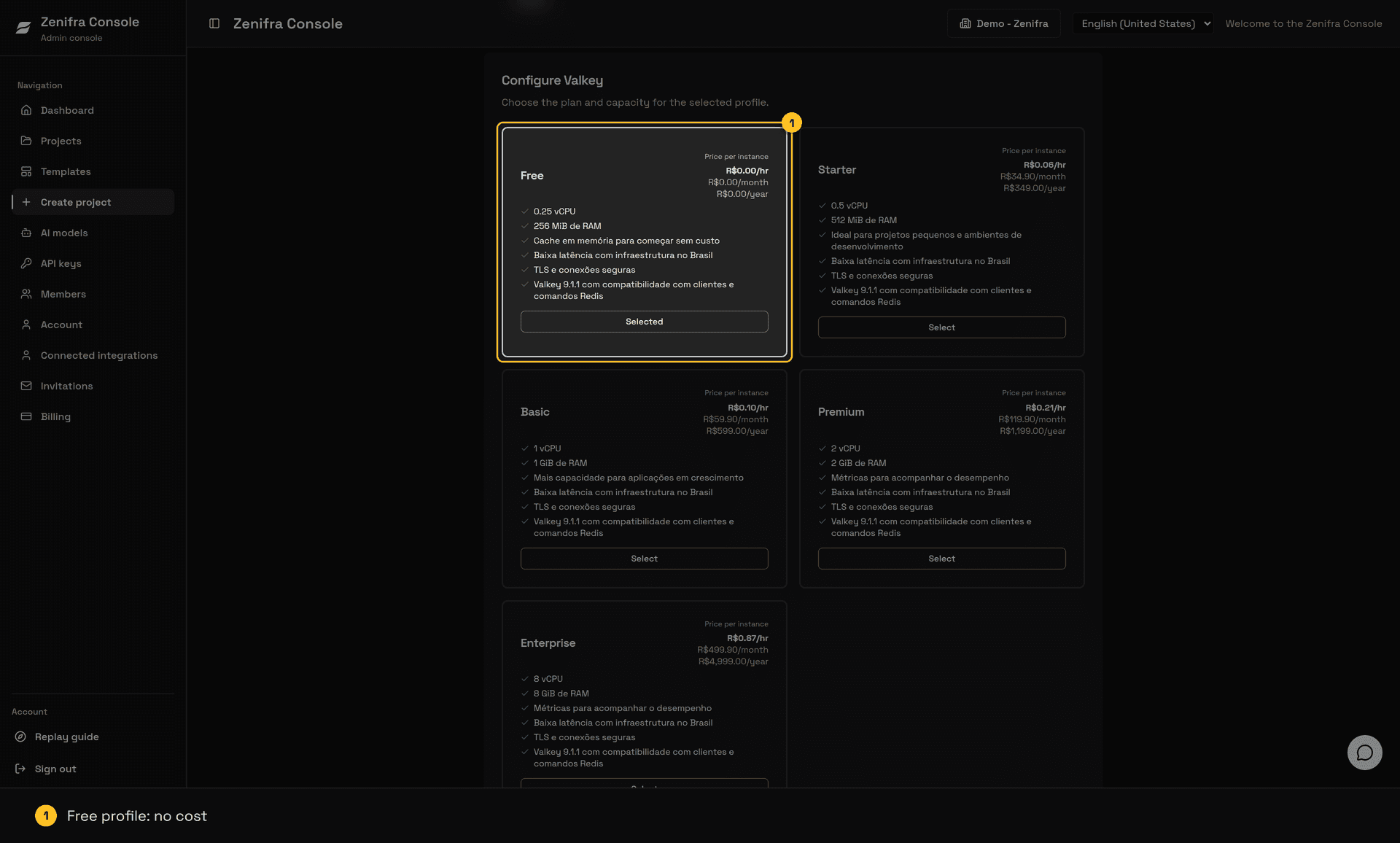
Cache uses the cache-free, cache-starter, cache-basic, cache-premium, and cache-enterprise plans. On every plan, data lives only in memory, without durable storage or replicas: a restart can empty the cache. When the plan's memory is full, the least-used keys are removed automatically to make room. The Premium and Enterprise plans include instance metrics on the project page. Check prices and capacity in the Valkey catalog.
Required permissions
Creating a Cache instance requires managed_service.create on organization:*. To read status, use managed_service.status.read on managed_service:<project-id>; for the masked connection, use managed_service.connection.read. owner has full access; assistant, member, and organization API Keys need the corresponding grants.
Create a Cache in the console
- In the menu, click Create project and choose Valkey Cache.
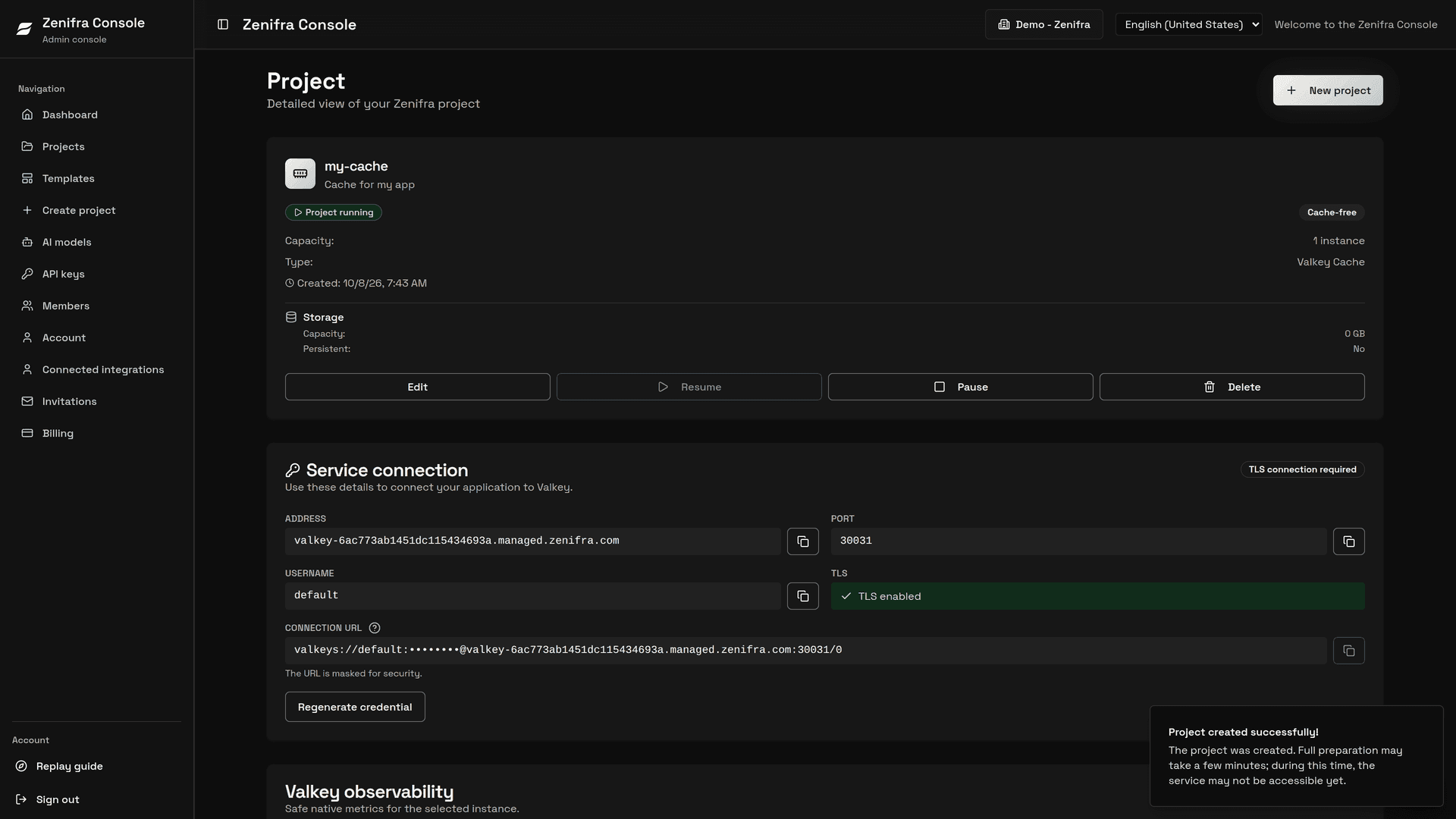
- In Configure Valkey, pick a profile. The Free profile costs nothing.
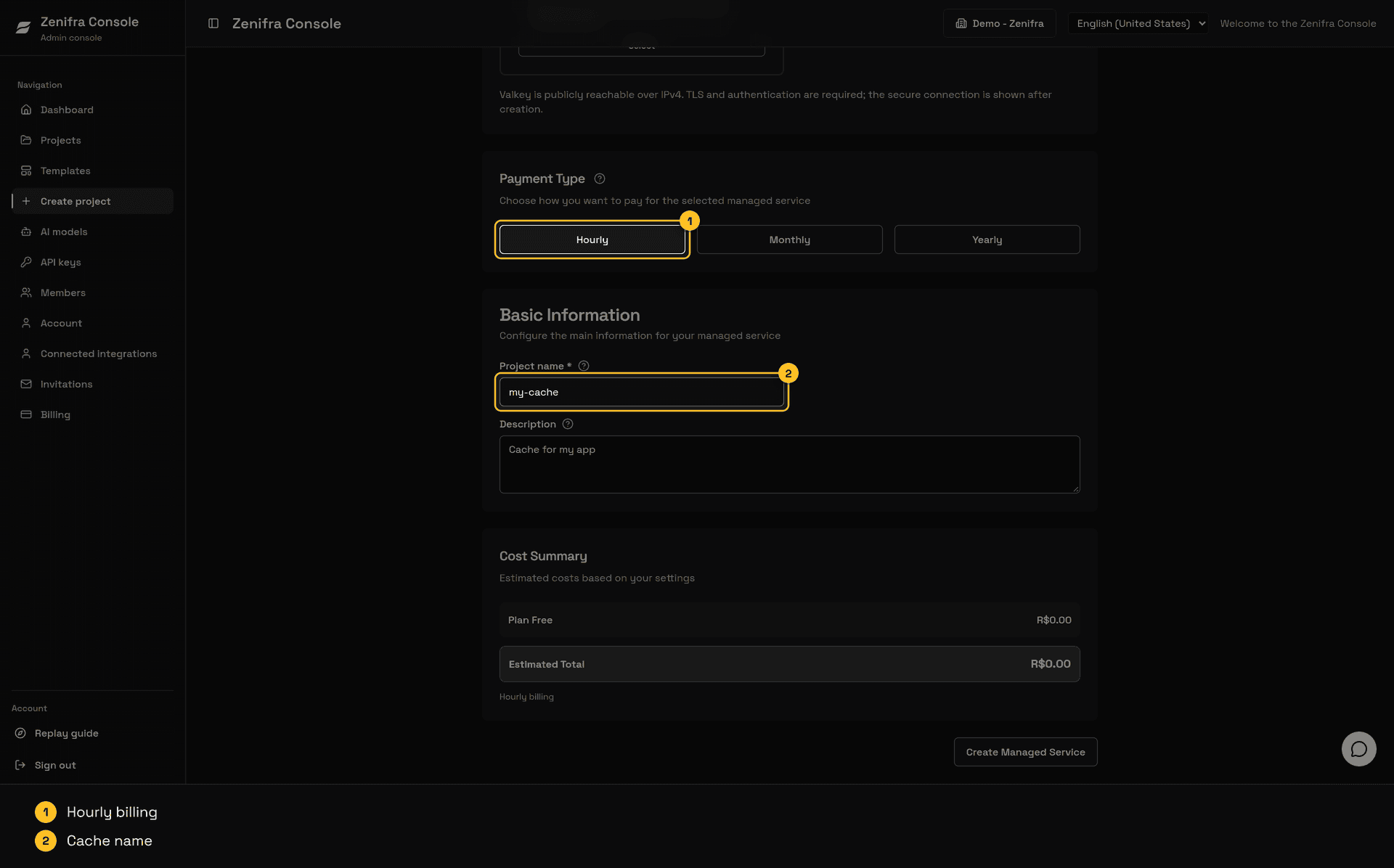
- Choose the Payment Type and name the cache in Basic Information.
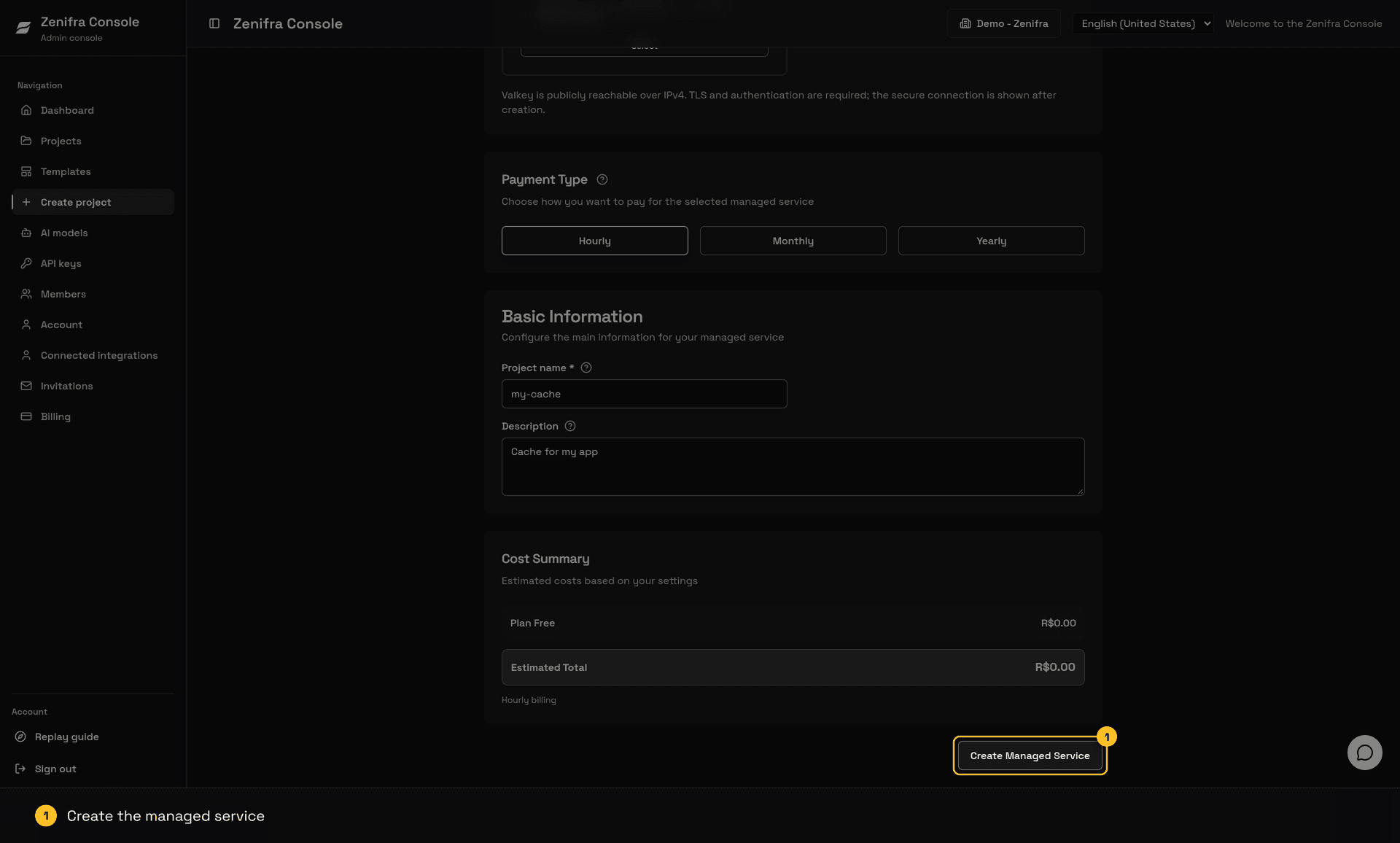
- Review the Cost Summary and click Create Managed Service.
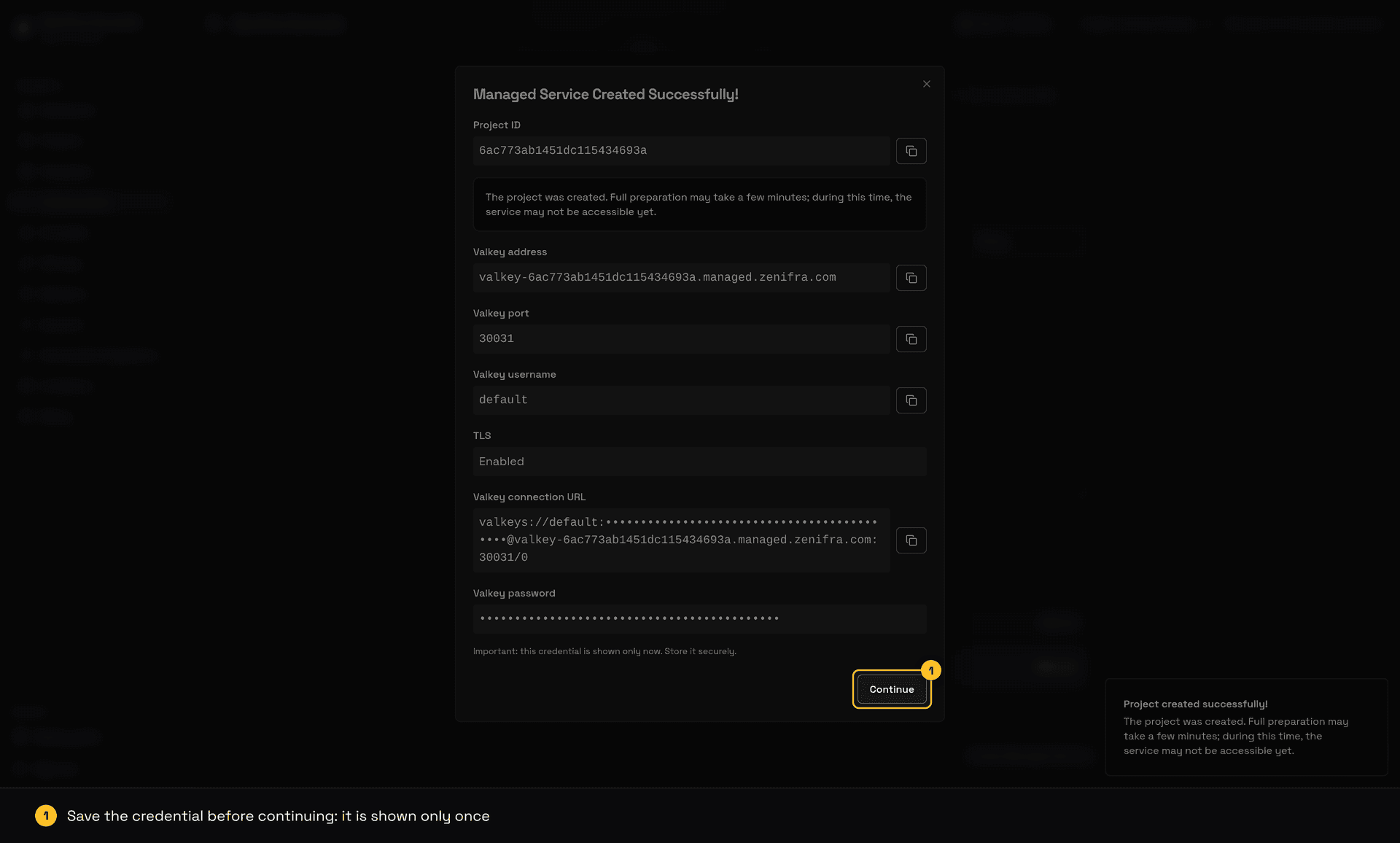
The connection credential is shown only once, right after creation. Store it in a secrets manager.
Video: creating a Valkey Cache on the Free profile, from the form to the running cache page.
Cache-aside pattern
- Read the key from Valkey.
- On a miss, query the source of truth.
- Store the result with a TTL and, when possible, a small jitter.
- Invalidate the key when the source of truth changes.
GET catalog:product:42
SET catalog:product:42 <json> EX 300
DEL catalog:product:42
Never store tokens, passwords, or regulated data without an appropriate protection policy. Use namespaces, limit value sizes, and monitor hit/miss rates.
Node.js and TypeScript
npm install iovalkeyimport Redis from 'iovalkey'
import { randomInt } from 'node:crypto'
async function loadProductFromSource() {
return { id: 42, name: 'example' }
}
const url = new URL(process.env.VALKEY_URL ?? '')
const client = new Redis({
host: url.hostname,
port: Number(url.port),
username: decodeURIComponent(url.username),
password: decodeURIComponent(url.password),
tls: { servername: url.hostname },
})
const key = 'catalog:product:42'
const cached = await client.get(key)
const value = cached ?? JSON.stringify(await loadProductFromSource())
if (!cached) await client.set(key, value, 'EX', 300 + randomInt(0, 30))
console.log(value)
await client.quit()Replace loadProductFromSource() with the application’s real query. The example uses jitter to reduce simultaneous expirations; at high volume, combine it with a short lock or request coalescing.
Python
python -m pip install valkeyimport json
import os
import random
from urllib.parse import urlparse
from valkey import Valkey
def load_product_from_source():
return {"id": 42, "name": "example"}
url = urlparse(os.environ["VALKEY_URL"])
client = Valkey(
host=url.hostname, port=url.port, username=url.username, password=url.password,
ssl=True, ssl_check_hostname=True, decode_responses=True,
)
key = "catalog:product:42"
cached = client.get(key)
value = cached or json.dumps(load_product_from_source())
if cached is None:
client.set(key, value, ex=300 + random.randint(0, 30))
print(value)
client.close()Replace load_product_from_source() with the application query. To avoid a cache stampede, only one worker should rebuild an expiring key; others can wait or serve stale data for a short window.
What not to do
- Do not treat Cache as permanent storage.
- Do not use infinite TTLs for data that can grow without bounds.
- Do not use
KEYS *to clear the cache; use namespaces andSCANor key invalidation. - Do not assume a hit means that data is current; define an invalidation policy.
Safe operation
Choose TTLs according to how quickly the source changes, not according to plan size. A very short TTL increases load and latency; a very long TTL serves stale data. Random jitter prevents thousands of keys from expiring in the same second. When rebuilding is expensive, use a short token-based lock and allow readers to receive stale data during a controlled window.
Monitor hit rate, miss rate, latency, serialization errors, and eviction count. More misses can indicate excessive invalidation or insufficient capacity, while a high hit rate does not prove that content is correct. Define entity-level invalidation after writes to the source, and treat Cache failure as a normal path: the application should read the source and continue without disposable data.
Next steps
Last updated on