Observability
Zenifra observability helps track project behavior after deployment. Application logs are available on every plan; metric availability varies according to the subscribed plan.
Required permissions
| Action | Minimum scope |
|---|---|
| Read metrics and network analytics | project.metrics.read on project:<project-id> |
| Read application and build logs | project.logs.read on project:<project-id> |
An owner has full access in a user session. assistant, member, and API Keys need the specific scope.
Scope: this page is about logs and metrics from the running application. In projects with a Git repository (GitHub or Forgejo), build logs live in Build logs on the project page: the last 200 lines by default (up to 500), with history for the last 30 builds or 30 days.
HTTP projects
Video: logs, resource usage, network traffic, hourly cost, healthcheck and alerts on a Premium Plus project.
For HTTP projects, application logs are available on every plan. From the Premium plan, Zenifra also provides visibility into:
- CPU usage
- RAM usage
- storage usage
- number of HTTP requests received by the application
- network traffic by time window
- distribution by HTTP status
- most accessed routes and top user agents
- P95 latency when available
- request events with raw source IP
Application logs are read live from the instances: each request shows the most recent output (up to about 50 KB). Application logs are not retained historically; if you need to keep logs, ship them from the application to your own tool.
Granularity and update window
Logs and metrics are viewed by instance when the project has more than one instance.
| Resource | Console update | Retention |
|---|---|---|
| Application logs | reloaded every 60 seconds | no history (live read) |
| CPU and memory metrics | loaded when you open the section | current value |
| HTTP network traffic and request events | can take a few minutes to appear | up to 7 days |
| Health check failures | checked every 60 seconds | 30 days |
| Auto-scaling events | on each event | about 13 months |
Use these windows when investigating recent deployments, traffic spikes, or behavior immediately after a restart.
Health check
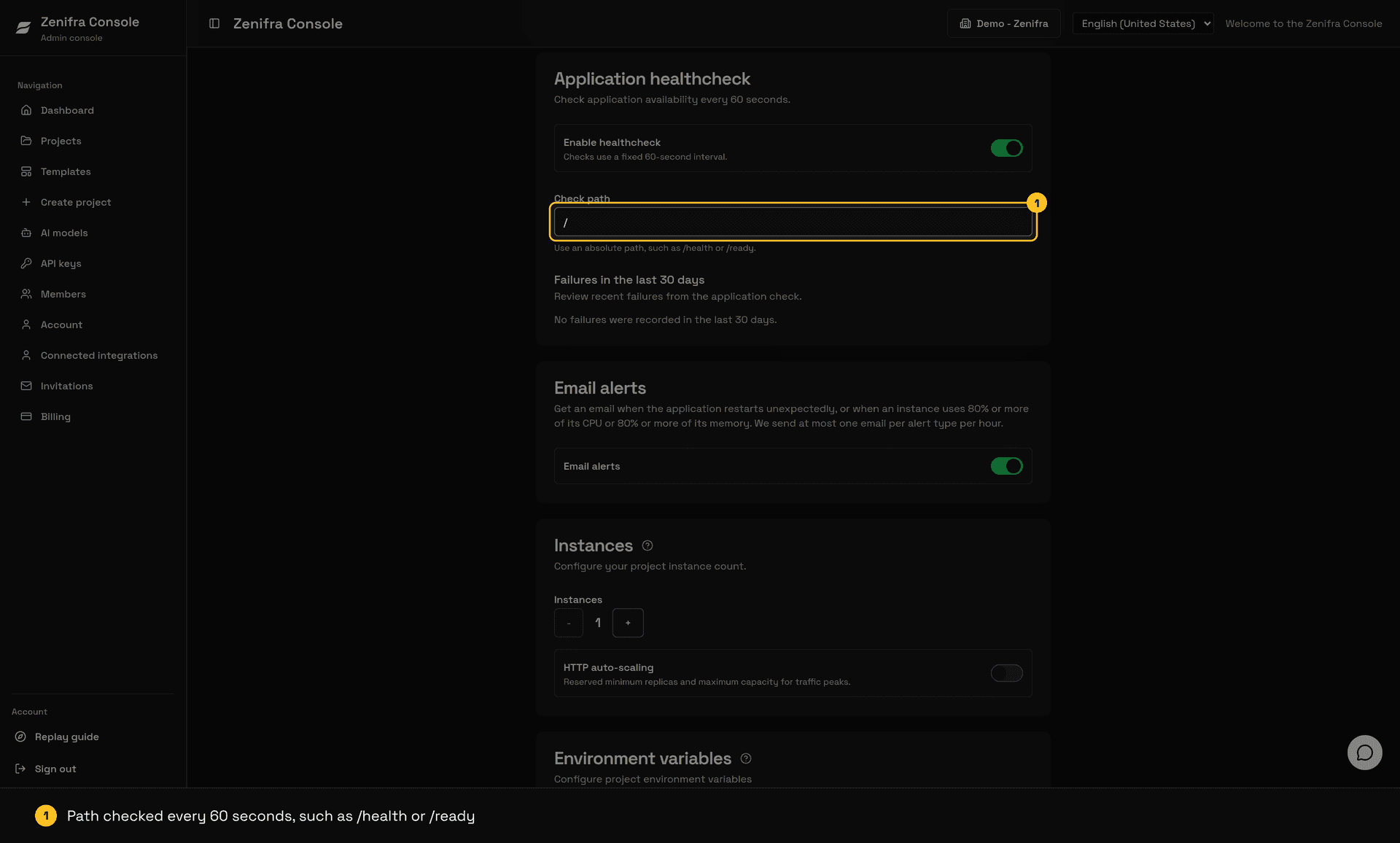
From the Premium plan, HTTP projects can enable the Application healthcheck in Edit project: Zenifra calls the configured path (for example, /health) every 60 seconds, with a 5-second timeout and a 30-second initial delay, and lists failures from the last 30 days. See Ports and health checks.
Scheduled Jobs
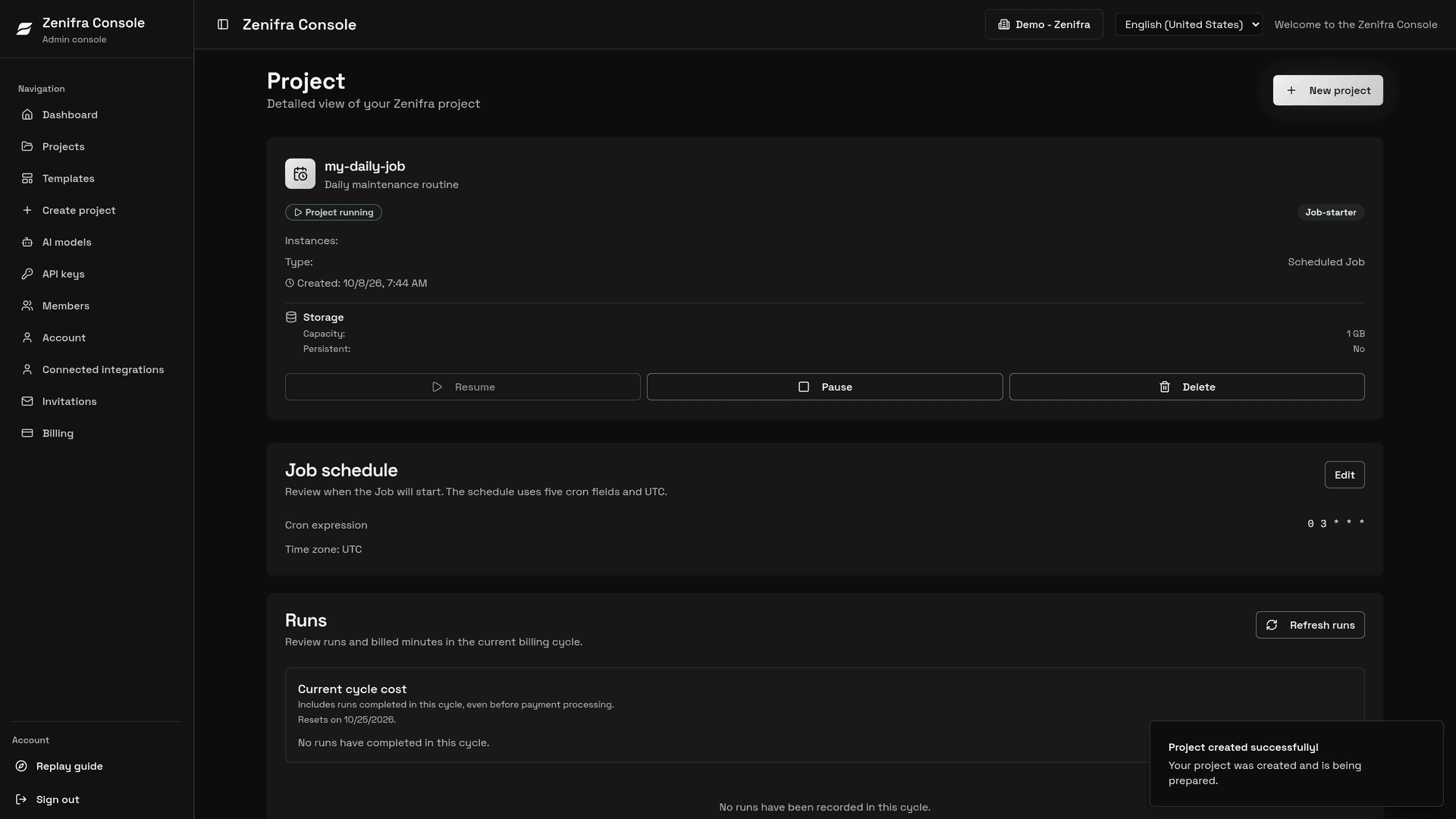
Scheduled Jobs have per-run logs and metrics in the run list on the project page. See Scheduled Jobs.
HTTP network traffic
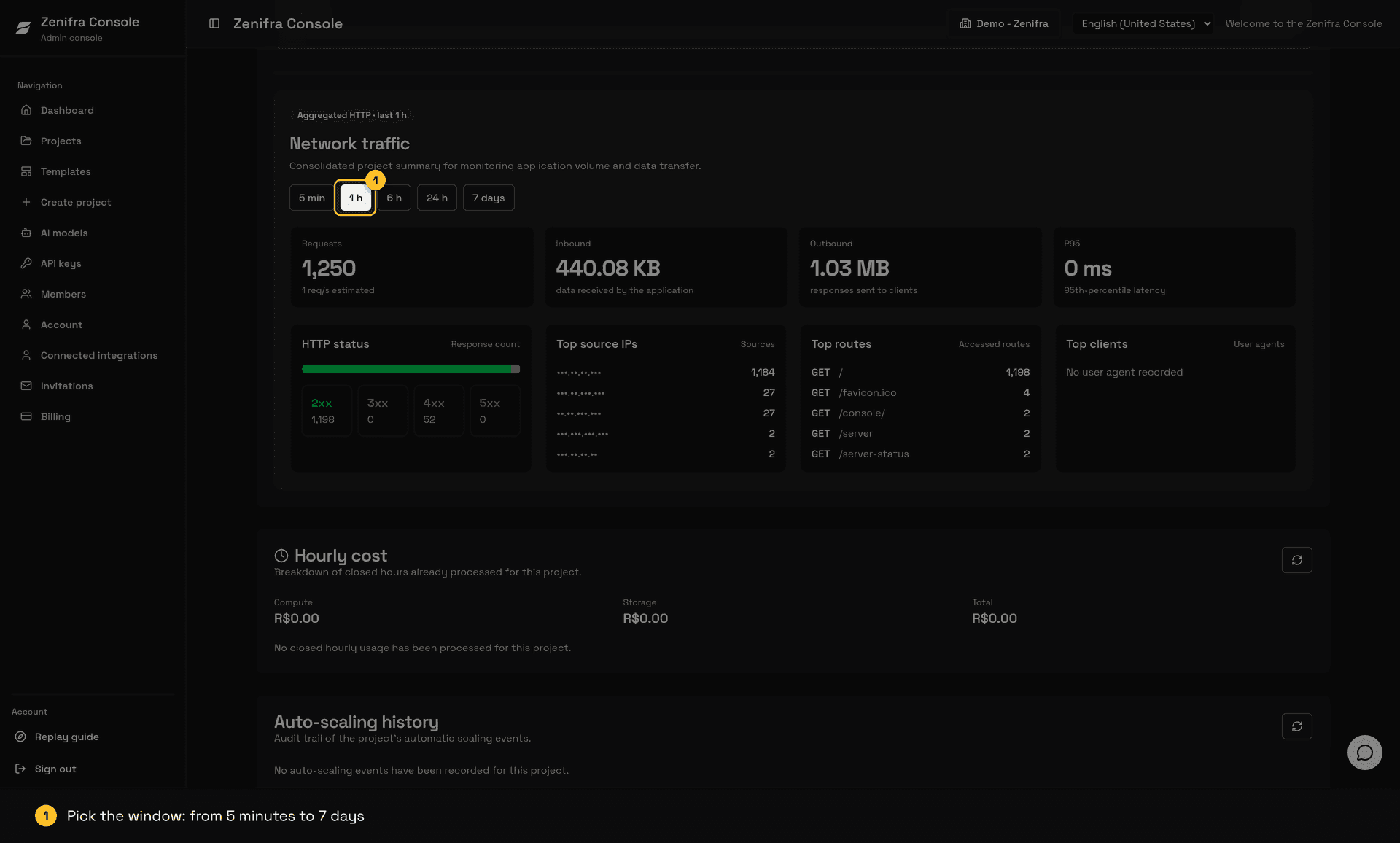
The network view aggregates the project's HTTP behavior across 5 min, 1 h, 6 h, 24 h, and 7 day windows. Use these filters to compare recent traffic with longer patterns without mixing data from different periods.
The panel shows:
- total requests in the period
- inbound and outbound application data
- P95 latency when available
- distribution across
2xx,3xx,4xx, and5xxresponses - most accessed routes by method and path
- top user agents
- individual request events with raw source IP, sanitized route, status, and latency
When you click a status class, such as 4xx or 5xx, the console opens a drill-down with routes, user agents, and request events associated with that filter. This helps investigate client errors, server failures, involved source IPs, and high-volume endpoints.
Privacy: Request events display raw source IPs to users with access to the project's metrics and are retained for up to 7 days. Query strings and referrers are not stored in this view.
Databases
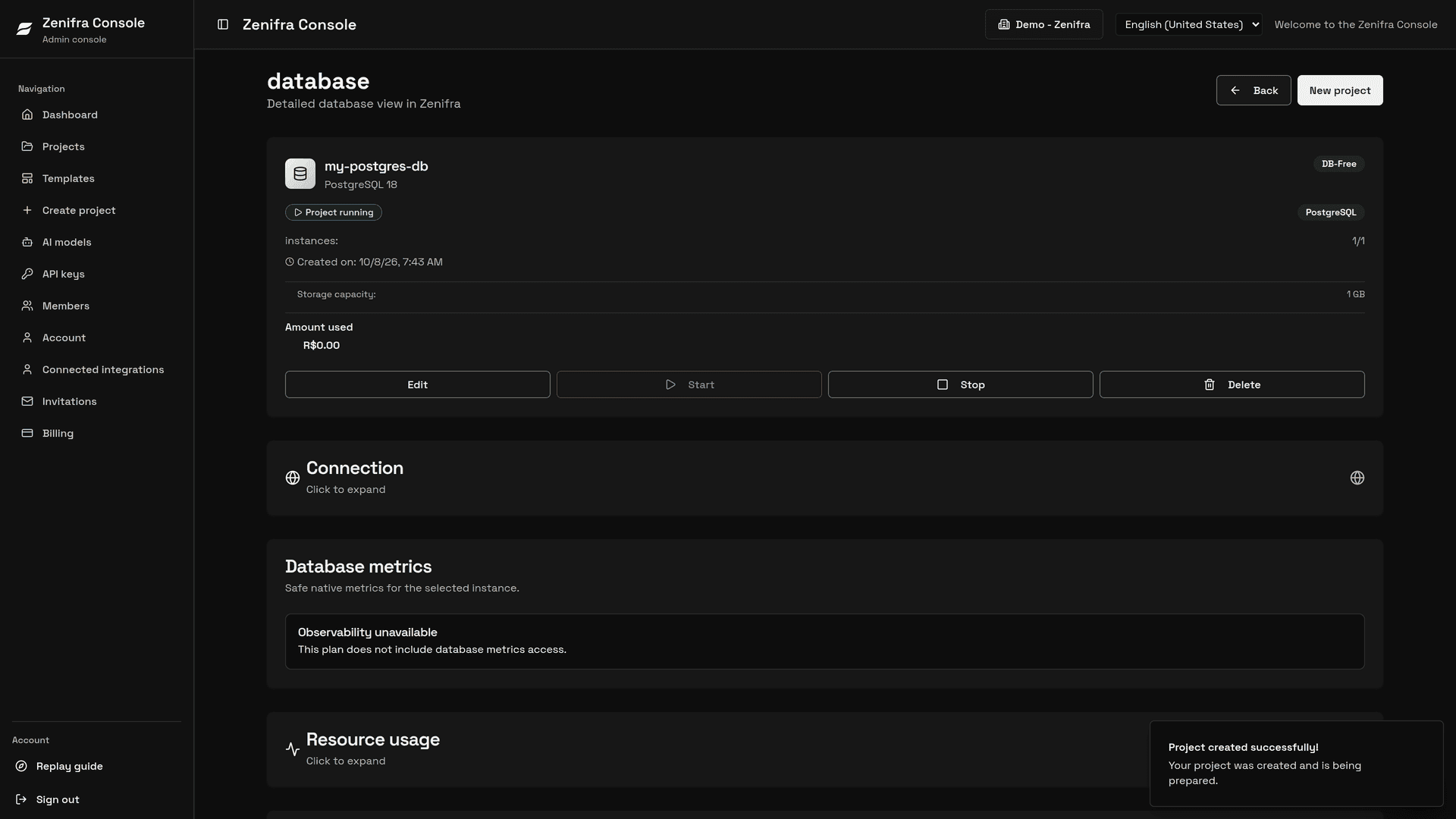
PostgreSQL and MariaDB projects on the db-premium and db-enterprise plans have resource metrics and native snapshots for each instance or replica.
| Engine | Native groups |
|---|---|
| PostgreSQL | health, connections, transactions, read cache, activity, locks, latency, WAL/checkpoints, storage, and replication |
| MariaDB | health, connections and threads, activity, read cache, redo/I/O, locks, latency, storage, and replication |
Read cache represents the engine's internal cache, not the operating system cache. Accumulated fields are counters; per-second fields are rates calculated between samples. After a restart or reset, a rate may be unavailable until a new valid baseline exists.
The Console shows the last collection time and distinguishes available, partial, stale, and unavailable data. Unsupported or uncomputable fields appear as unavailable, never as a synthetic zero.
This capability provides the latest snapshot. history: null means there is no time-series retention or historical chart. See the PostgreSQL, MariaDB, and API reference pages for details.
Valkey projects
Valkey projects have a dedicated observability panel with public instance identifiers such as instance-1.
Access is controlled by the capability returned for the project. When the plan includes metrics, the capability returns access: "snapshot"; otherwise it returns access: "none". The Console checks this capability before requesting any snapshot.
Native snapshot metrics
When a valid snapshot exists, the native Valkey contract contains:
| Group | Metrics |
|---|---|
| Memory and capacity | used memory, peak used memory, memory limit, and fragmentation ratio |
| Clients | connected clients and blocked clients |
| Activity | operations per second, inbound rate, and outbound rate |
| Key lifecycle | expired keys and keys removed by eviction |
| Instance state | uptime, profile, instance, schema version, and availability |
| Reliability | replication status, available replicas, expected replicas, replication lag, persistence status, and last persistence success |
Inbound and outbound rates are expressed in bytes per second. Values may be null when data is unavailable or there is not enough evidence to calculate it.
Profile-specific metrics
- Cache: total hits, total misses, and hit ratio. The hit ratio is calculated between snapshots and may be unavailable for the first snapshot.
- Key-value: total keys and the number of keys with expiration configured.
- Queue: uses the common metrics. Queue depth, item age, and consumer lag are not part of the verified capability.
Console and availability
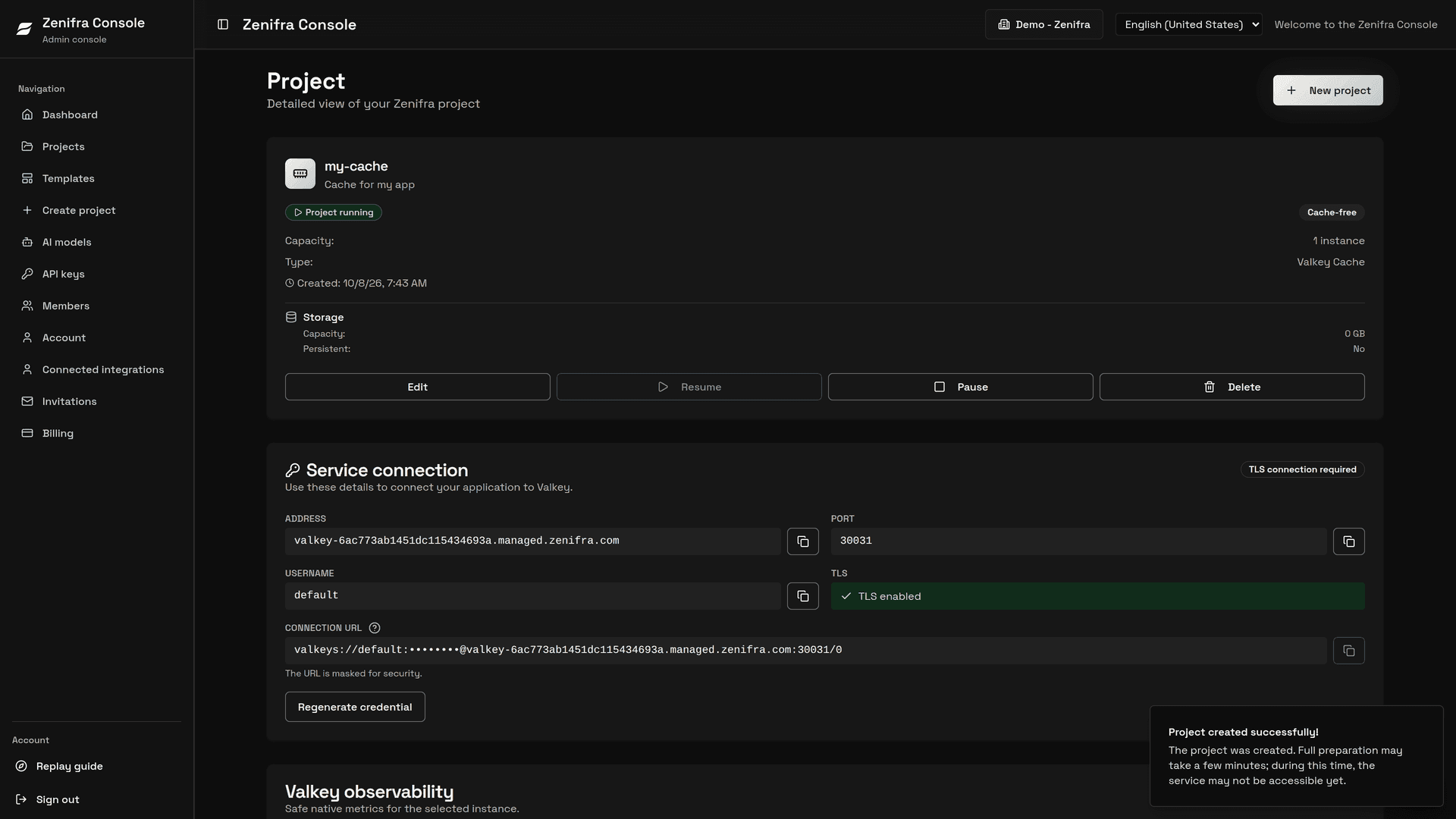
In the Console, the panel shows the legacy CPU and memory fields, as well as used memory and limit, connected clients, activity, key lifecycle, profile-specific metrics, uptime, profile, and the selected instance.
The API contract also returns peak memory, fragmentation, blocked clients, and replication and persistence details for integrations. These fields do not yet have dedicated cards in the current visual panel.
When no snapshot exists yet, collection is unavailable, or the snapshot is invalid, the Console shows unavailable and does not invent values, timestamps, or health states.
Check the project's capabilities before building integrations:
GET /v1/project/{id}/metrics/capabilitiesGET /v1/project/{id}/instancesGET /v1/project/{id}/metrics?instance={instance}
For snapshot tiers, the update interval indicated by refresh_seconds is 60 seconds. Current history is null: this capability has no historical retention or historical charts.
Email alerts
Applications (HTTP projects), on any plan, can notify the organization owner by email when something needs attention. Alerts are off by default and do not apply to preview environments. Turn them on or off in the application settings in the console, or through the API. Changing them requires project.instances.update on project:<project-id>.
With alerts on, you receive an email when:
- an application instance restarts or stops unexpectedly, including restarts caused by running out of memory;
- an instance's CPU usage reaches 80% of the plan capacity;
- an instance's memory usage reaches 80% of the plan capacity.
The check runs about every minute, using the most recent usage metrics available. Each email shows when the situation was detected. While the situation persists, Zenifra sends at most one email per warning type, per application, every hour. The 80% thresholds are fixed.
To stop receiving these emails for all applications, turn off Application warnings and alerts in Account → Notification preferences in the console. Every Zenifra email includes a link to that screen at the bottom.
Features not currently available
These items are not currently available:
- per-application uptime (the health check failure history is the available indicator)
- historical retention and export of application logs
Overall platform availability can be followed on the status page: status.zenifra.com.
Daily usage
Use application logs to understand startup errors, runtime exceptions, and configuration issues after the main process has started.
Use Build logs to investigate dependency installation, pre-build, build, and publication failures in projects with a Git repository.
Use CPU, RAM, storage, and HTTP request metrics to decide when to increase instances, change plans, review queries, optimize cache, or investigate abnormal usage.
Next steps
FAQ
Why do data not appear immediately?
Logs and metrics have an update window. Wait a few minutes after deployment, restart, or traffic spikes before concluding there is no data.
Do metrics replace external monitoring?
Not necessarily. For critical operations, combine Zenifra metrics with alerts and application monitoring.
Is automatic autoscaling available?
Yes, for HTTP projects on every paid plan (not on Free). The console also shows an auditable scale up and scale down history, including timestamp, instances, and thresholds.
Last updated on